
The Art of Frontend Web Development. A Complete Beginner’s Guide.

Meta Description: Learn what frontend web development is, the role of frontend developers, essential tools, and why it matters. Perfect for beginners looking to start a career in web development.
What Is Frontend Web Development?
Frontend web development is the part of a website that users see and interact with directly. Think of it as the “face” of a website, the design, layout, buttons, menus, and all interactive elements. It combines creativity and coding skills to make websites visually appealing, fast, and user-friendly.
The core technologies of frontend development are:
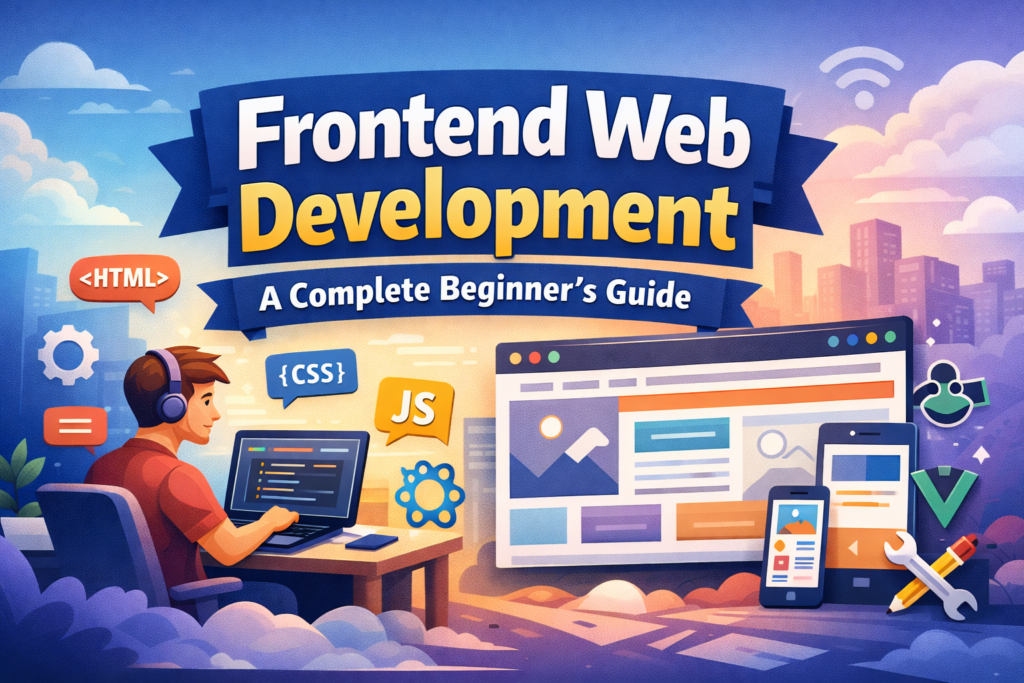
- HTML (HyperText Markup Language): Provides the structure of web pages, like headings, paragraphs, images, and links.
- CSS (Cascading Style Sheets): Adds colours, fonts, spacing, and layouts to make pages visually attractive.
- JavaScript: Makes websites interactive with features like sliders, pop-ups, forms, and animations.
By mastering these, learners can turn static designs into fully functional, dynamic web experiences that work on desktops, tablets, and smartphones.
Frontend Developer Rules
Frontend developers are the bridge between designers and technology. They transform design mockups into real web pages while ensuring a smooth experience for users.
Typical responsibilities include:
- Converting UI/UX designs into working websites
- Building responsive layouts for all devices
- Optimising website speed and performance
- Ensuring accessibility for users with disabilities
- Testing and debugging across different browsers
Frontend developers often collaborate with backend developers, content creators, and designers to deliver websites that are both functional and visually appealing.
Essential Tools and Technologies for Frontend Development
Modern frontend development involves more than HTML, CSS, and JavaScript. Here are the most widely used tools and frameworks:
Frameworks and Libraries
- React, Vue.js, Angular, Svelte: Simplify creating dynamic web apps
CSS Frameworks
- Tailwind CSS, Bootstrap, Bulma: Help style websites faster
Version Control
- Git and GitHub: Track code changes and collaborate with teams
Build Tools
- Webpack, Vite, npm scripts: Streamline development workflow
Design Tools
- Figma, Adobe XD, Sketch: Collaborate on UI/UX designs
Tip: Learning these tools early in your career gives you a competitive edge.
Why Should You Be a Frontend Developer
The frontend is often the first impression users get of your website. A slow, cluttered, or confusing interface can push visitors away. Conversely, a fast, clean, and intuitive design keeps users engaged and builds trust.
Studies show that 75% of users judge a company’s credibility based on its website design. This makes frontend development a high-demand skill across industries, from small startups to global enterprises.
Frontend Development Future
Frontend development is evolving rapidly. Key trends to watch include:
- Progressive Web Apps (PWAs): Apps that work offline and feel like native mobile apps
- WebAssembly: High-performance web applications
- AI-driven interfaces: Smarter interactions and personalised experiences
- Accessibility & sustainability: Ensuring websites are usable for everyone and optimised for performance
By learning frontend development, you position yourself in a growing field with endless opportunities for creativity and problem-solving.
How to Start Learning Frontend Development
- Learn HTML, CSS, and JavaScript basics
- Build small projects, like a portfolio website or blog
- Explore frameworks, starting with React or Vue.js
- Practice responsive design for mobile-friendly layouts
- Use Git and GitHub to track your projects and collaborate
Final Touch
Frontend development is more than coding—it’s about creating memorable experiences. Every button, layout, and animation shapes how users feel when they visit a website.
As a frontend developer, you can turn ideas into interactive digital experiences, making the web more beautiful, accessible, and functional. Whether you’re starting with basic HTML or building complex apps with React, remember: user experience is always the top priority.
